Nuri
Reminders, document chases, routines on your clock, the morning brief and the inbox sweep — Nuri working on a schedule.
Some work should just happen at the right time: the call sheet the day before a shoot, a chase for missing passport scans, a Monday summary of the week's flights. Nuri handles these as automations, routines and the morning brief.
Where to find it
- Web — NuriAutomations, with Automations, Routines and Brief across the top. Routines are also in SettingsRoutines.
- iPhone — Automations and Reminders and routines in Nuri's menu.
Automations
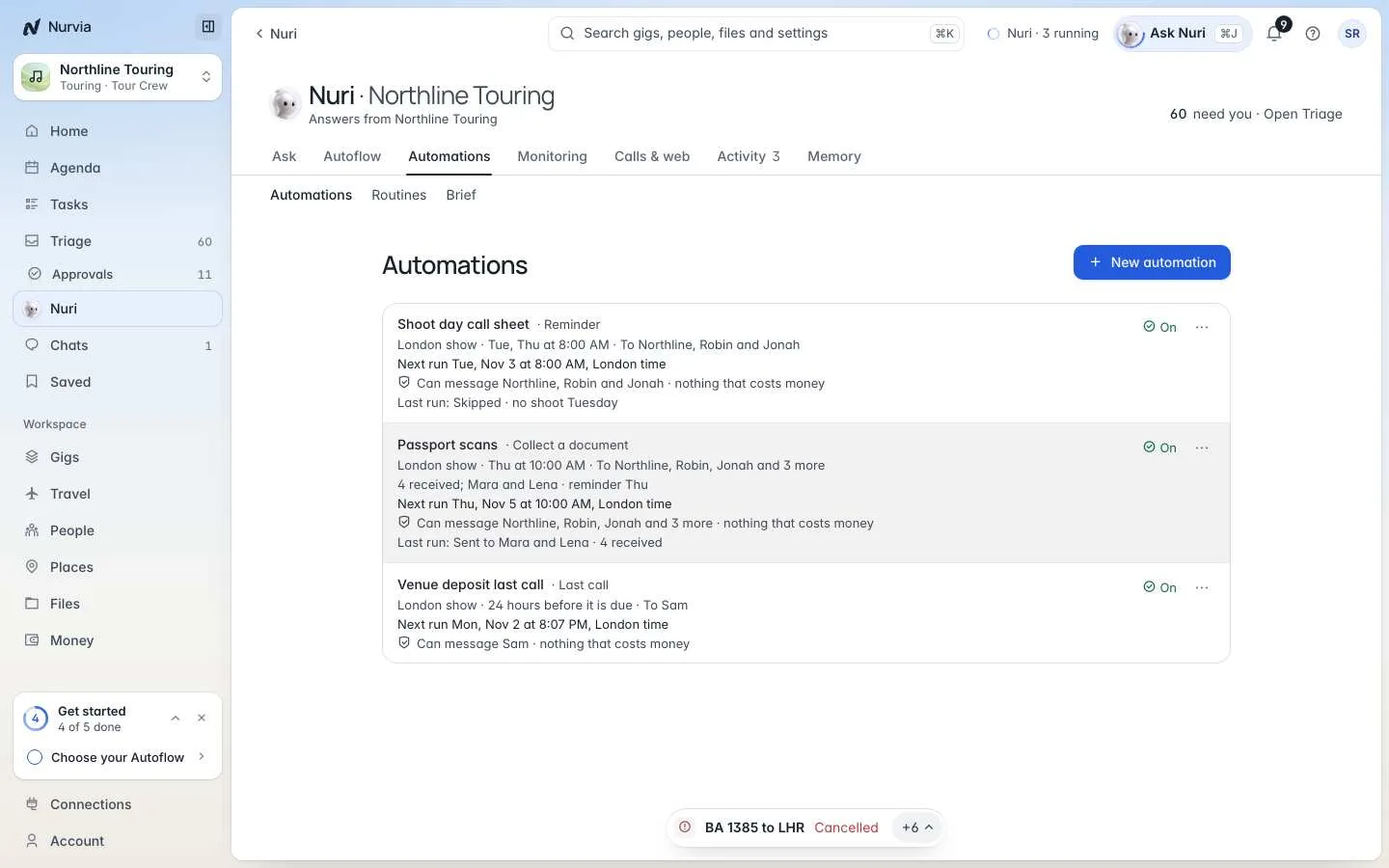
An automation sends a notification to the people you name, and to nobody else, when something on a gig or plan comes due. Choose New automation, then:
Pause stops an automation and keeps its history. Run history shows every run, including skipped ones.
Routines and reminders
A routine is a job on a schedule, on your clock. Choose New reminder, or type it into Tell Nuri:
- Reminder — Nuri tells you something at that time.
- Routine — Nuri looks into something and sends you a summary.
Every Monday at 9, list the week's flights.Watch The Hoxton's rate for Friday and tell me if it drops under £180.Remind me tomorrow at 9 to send the guest list.Routines show what's Coming up and what's Paused. Times use your own time zone, which you can set in your Nuri profile.
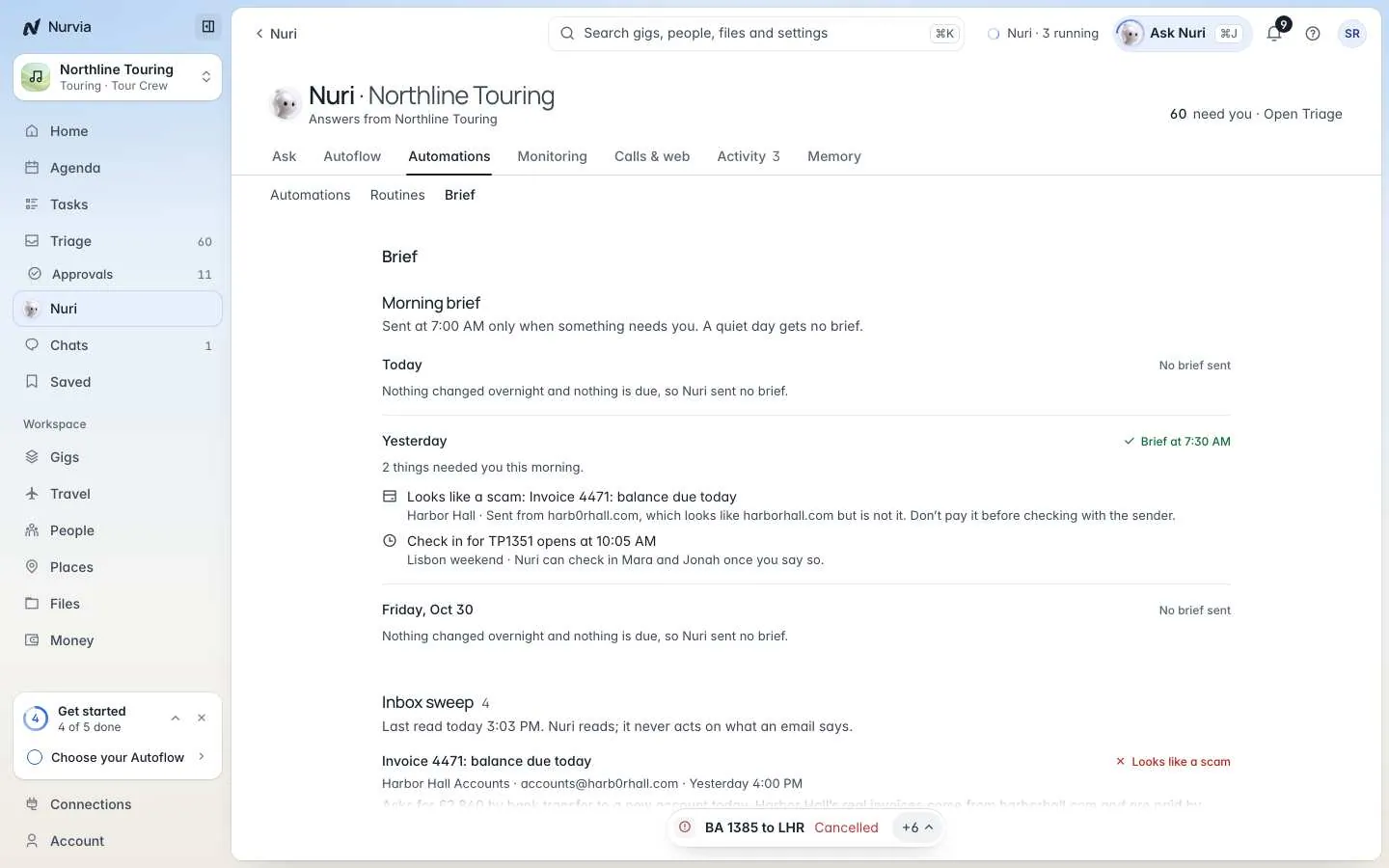
The morning brief
Silence is the default
The brief goes out only when something changed or is due. A quiet day gets no brief.
Set up Morning brief and quiet hours together: the time it's Sent at, and Quiet from and Until. During quiet hours only what can't wait reaches you. Send it now sends a brief straight away.
Turn on Watch my inbox for what can't wait for an Inbox sweep: Nuri reads new mail and flags anything urgent, including messages that look like scams. Nuri never acts on what an email says — a flagged scam tells you Nuri didn't open its links or pay it.