iPhone app
Your plans, travel and team in your pocket — live flight status, day-of-show details, Nuri, chat and Live Activities.
iPhone
The iPhone app is built for the road: show days, travel days and quick answers. It uses the same account, workspaces and plans as the web app, and changes sync within seconds.
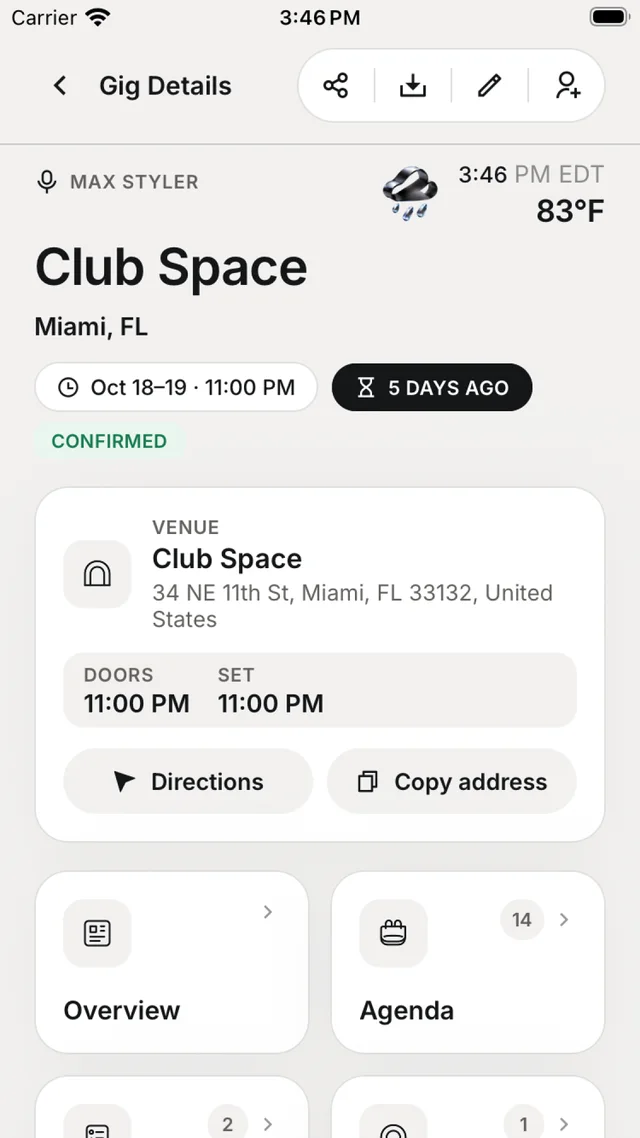
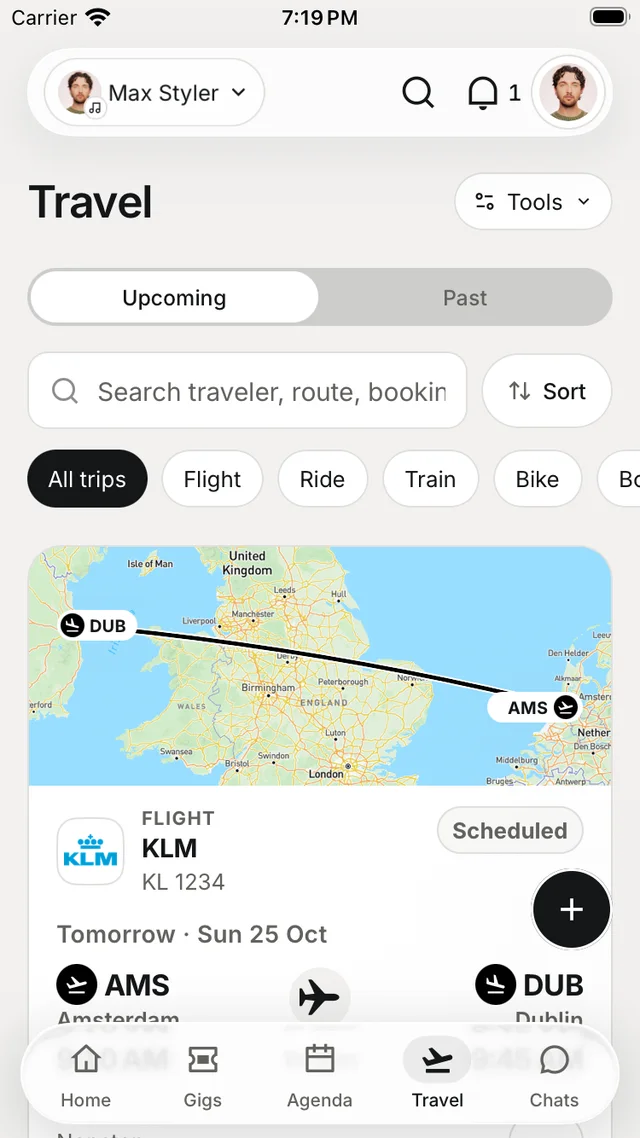
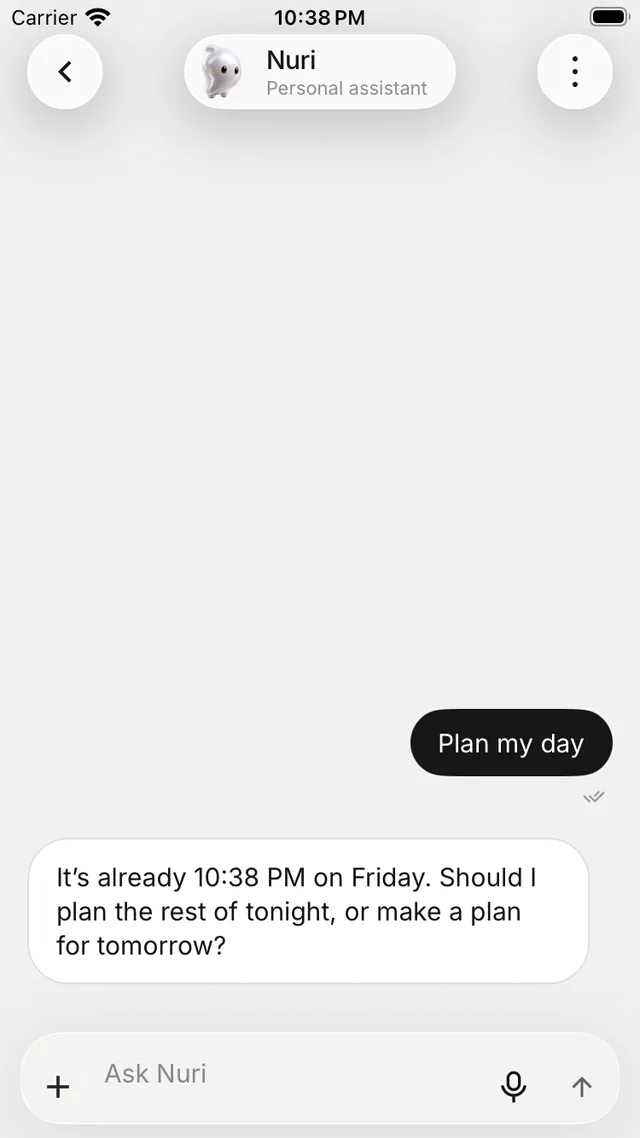
How the app is laid out
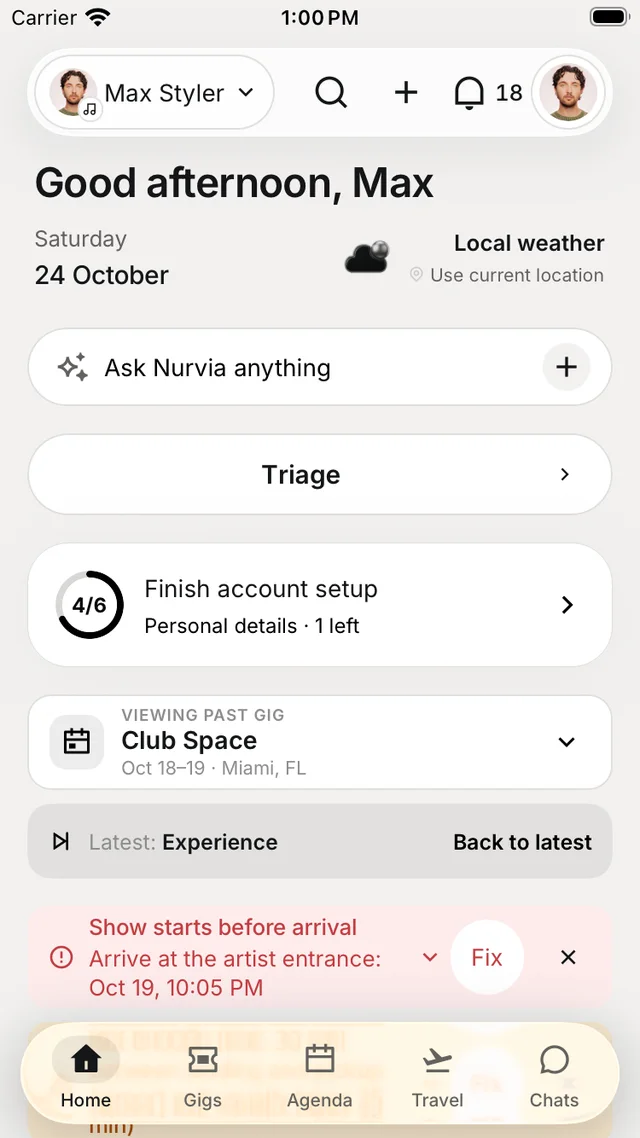
Five tabs run along the bottom: Home, Gigs (or Plans), Agenda, Travel and Chats. Nuri opens from Ask Nurvia anything at the top of Home, and Triage sits just below it. Getting around covers the rest.
What's special on iPhone

Live flight status
Gates, terminals, baggage belts and a step-by-step airport journey for every flight.

Live Activities
Your flight, ride or set time on the Lock Screen and Dynamic Island.

Home Screen widgets
Travel, Stay, Dashboard and Sun widgets for the Home Screen and Lock Screen.

Share to Nurvia
Share a PDF, screenshot or email from any app and file it into a gig or plan.

Works offline
About the last week of plans, travel and tasks is saved on the phone.

Nuri in your pocket
Ask by text or voice, attach photos and approve changes in one tap.