Get started
Set up your first plan in Nurvia — a trip, an event, a show or a weekend away — from the first booking email to the day itself.
A plan is anything with dates, people and bookings. Nurvia sets up the same way for all of them, so pick something real you're organising and follow along. It takes about 15 minutes.
A trip
An event

A show or shoot
Everyday plans
Your word for a plan
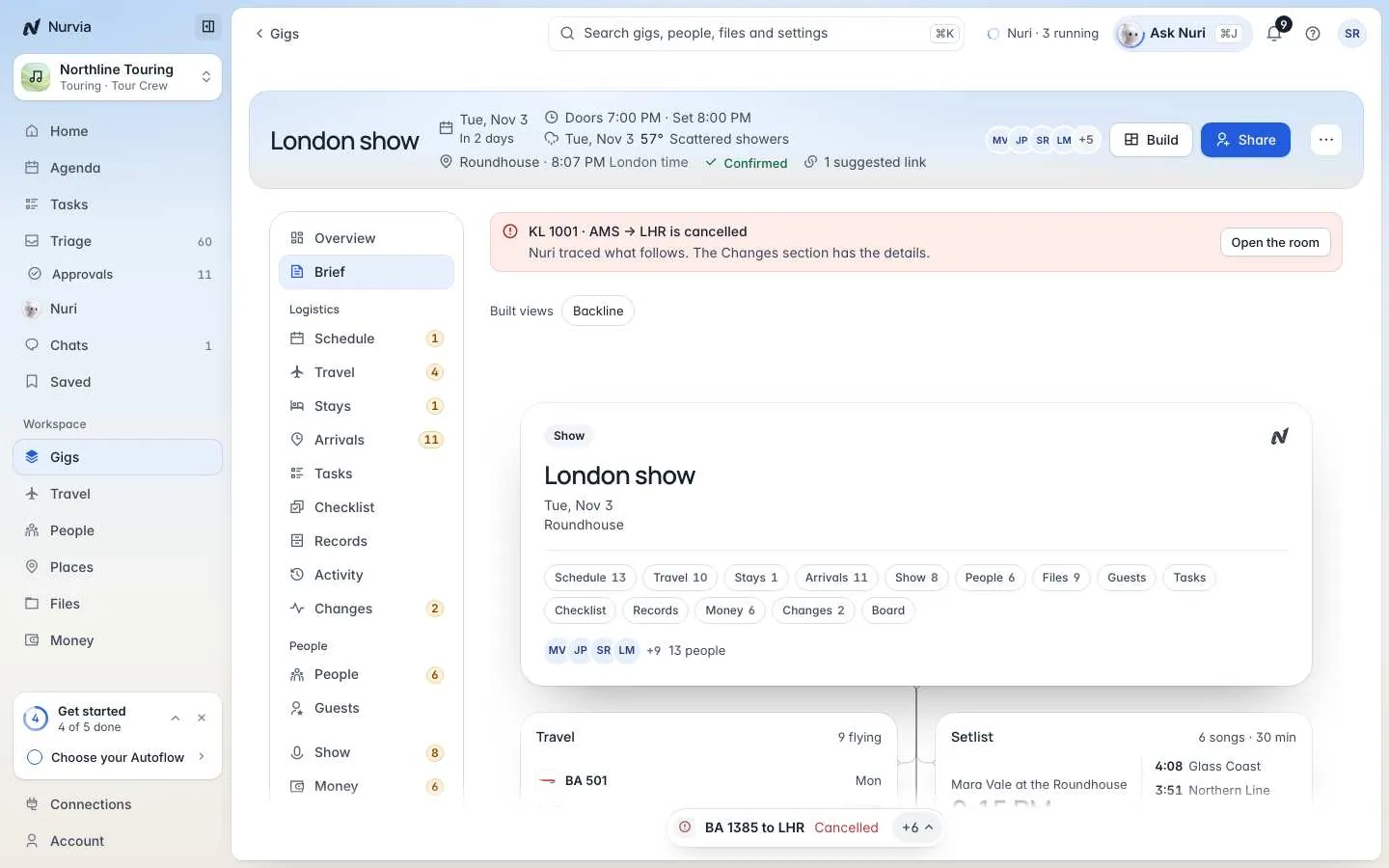
Each workspace uses its own word: gig in music, trip or meeting for a business, event for a family. The screenshots in this section come from a demo music workspace, so they say "gig" — yours may say something else.
What you'll do
Set up your workspace
Describe what you're organising, choose Personal or a team, and pick the word for your plans. About 2 minutes. Open this step →
Connect your email
Let Nurvia read your booking confirmations, or forward them instead. About 2 minutes. Open this step →
Watch your plan fill itself in
See dates, travel, stays and people appear, and answer the one or two questions Triage asks. Open this step →
Invite the people involved
Add the people on your plan with the right role. Money and guest lists stay private by default. Open this step →
Use it on iPhone
Open your plan on your phone: the schedule, the place, your travel and live flight status. Open this step →
Hand work to Nuri
Ask Nuri to change a time, chase a reply or watch a flight, and approve before anything goes out. Open this step →