Get started
Open your plan on iPhone — the schedule, the place, directions and live travel updates.
On the day you're away from your desk. The iPhone app has the same plan, kept current, with directions, access details and live flight status.
What you'll do: open your plan on your phone, get directions, and check the day's schedule. The screenshots show a demo music workspace, where plans are called gigs.
Open your plan
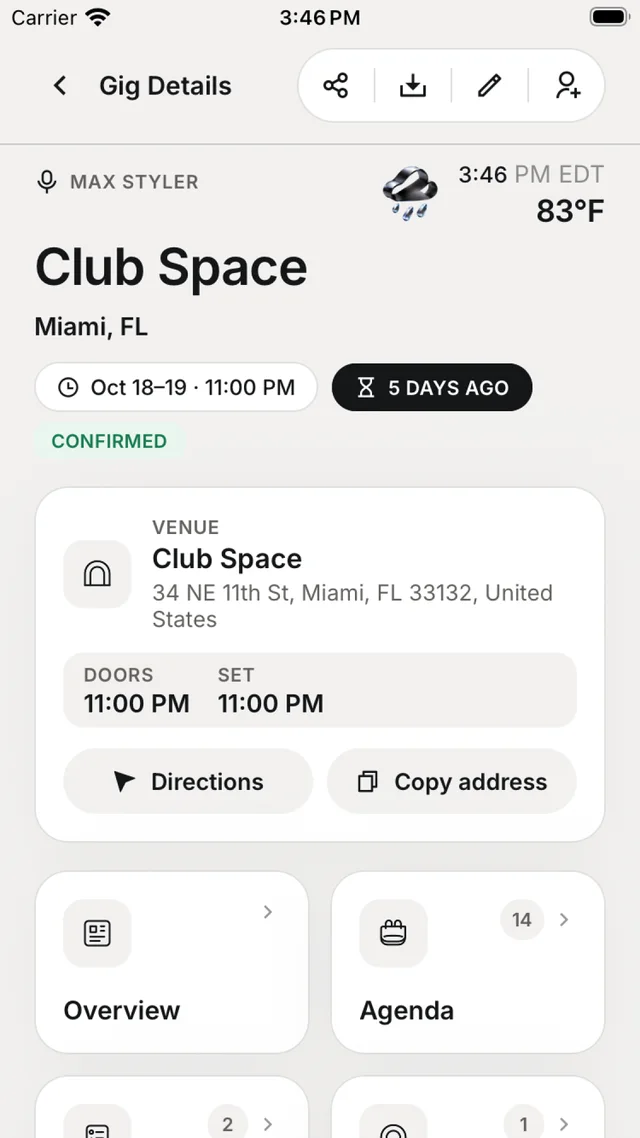
Install the app and sign in with the same account. Open your plans tab and tap the plan. It opens with the place card, the key times and tiles for everything on it — overview, agenda, travel, accommodation, contacts and more.
Get there
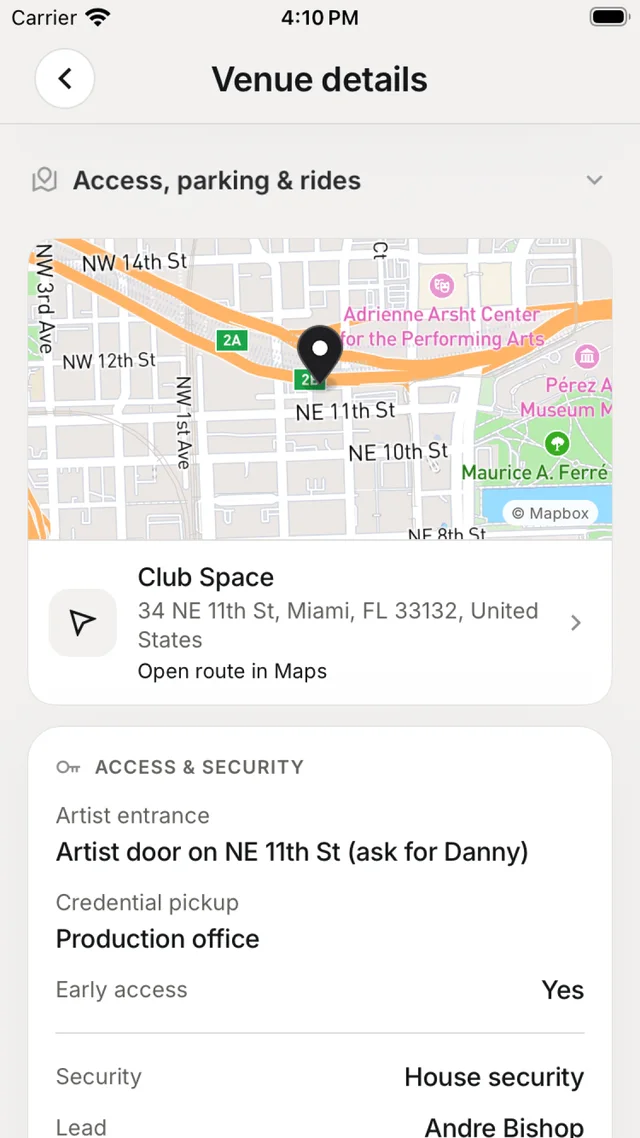
Tap Directions on the place card. Nurvia opens Apple Maps, Google Maps or Waze — whichever you have. Access notes, parking and Wi-Fi are on the place's page too.
Check the day
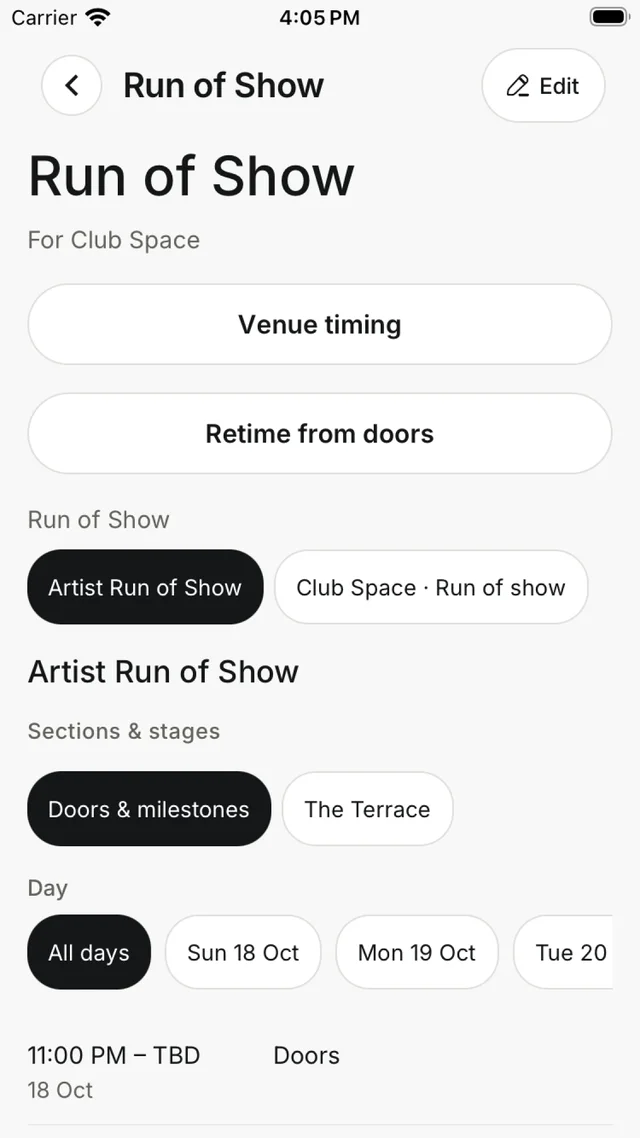
Open the plan's schedule for the day's timings in order. Running late? Times can be shifted together from one point, so everything after it moves at once.
On the Lock Screen
Flights and key times run as Live Activities on the Lock Screen and in the Dynamic Island. See Widgets and Live Activities.
You're done when
You can open your plan on your phone, start directions, and see the day's schedule.