iPhone app
Every flight, stay, ride and train in one list — search, filter, add travel and open the travel tools.
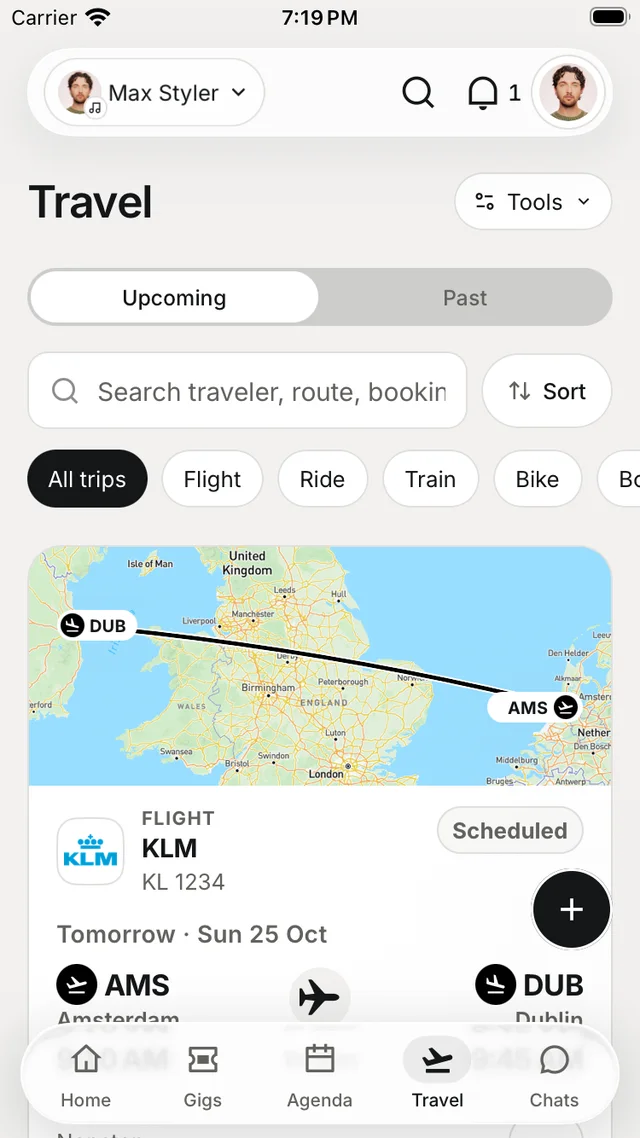
The Travel tab gathers every trip you can see in the workspace, with a route map on top. Bookings from your connected email land here on their own.
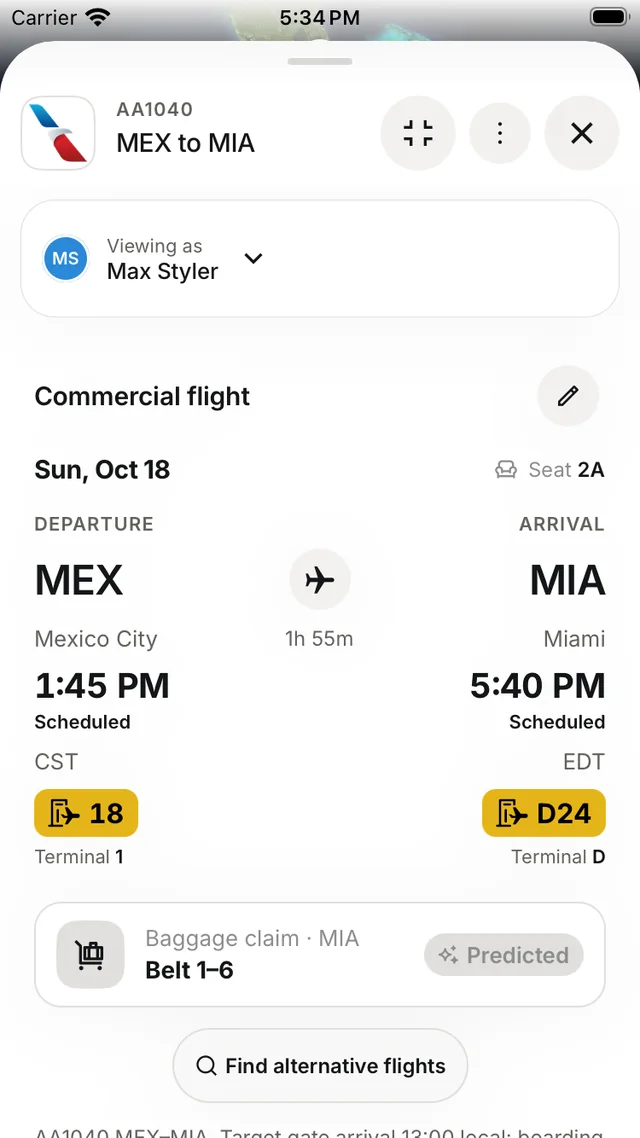
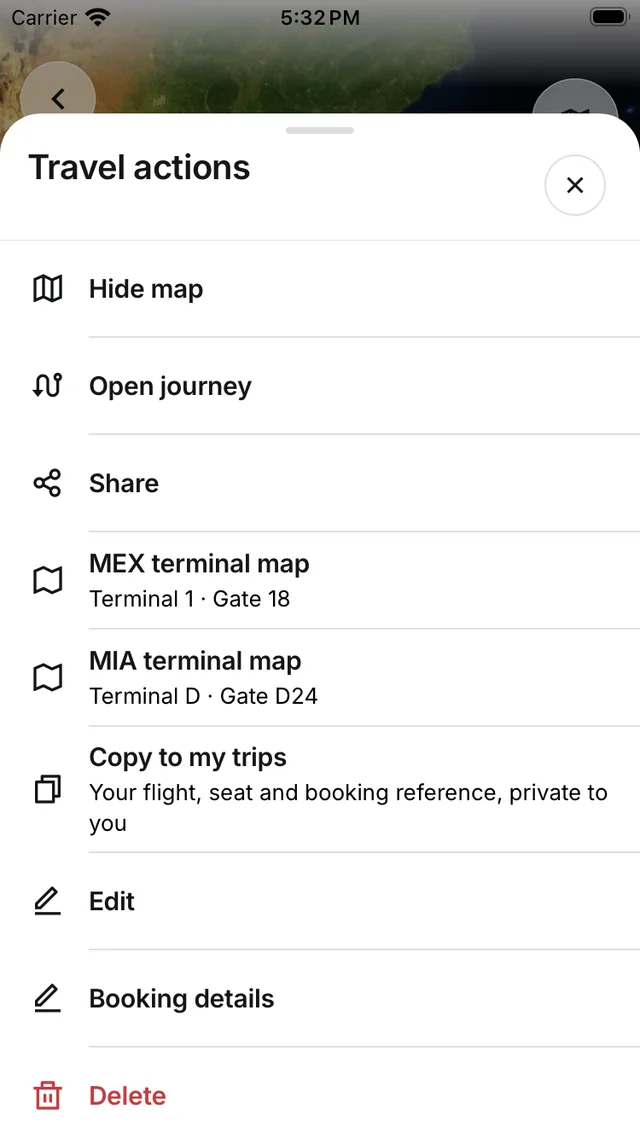
The travel list
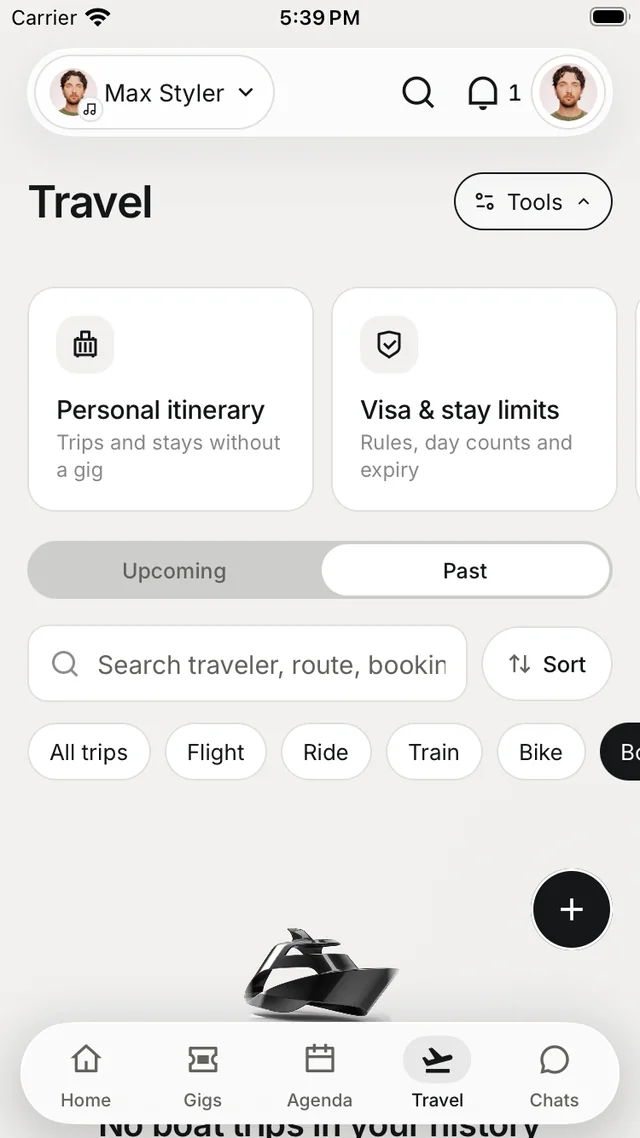
- Upcoming and Past.
- Search by traveller, route, airport code or booking reference.
- Filter with the chips: All trips, Flight, Ride, Train, Bike, Boat and more.
- Sort by Soonest first, Departure date or Transport mode.
Swipe a trip right to edit it, or left to delete it. Tap a trip for its details, or ⋯ for actions such as Open journey, the terminal maps, Share, Copy to my trips, Edit and Delete.
Add travel
Tap + and choose a flight, stay, ride or train. Link it to a gig or keep it as a trip of its own. Travellers can be anyone on your team — pick them from the roster or add a new person.
A flight fills itself in once the flight number and date are known: airline, aircraft, times, terminals and gates.
Travel tools
Tap Tools at the top of Travel, or find them under Travel tools on your profile.
| Tool | What it's for |
|---|---|
| Personal itinerary | Trips and stays that aren't part of a gig |
| Visa & stay limits | Entry rules, day counts and expiry — for example Schengen's 90 days in 180 |
| Jet lag planner | Sleep and light timing built from your flights |
| Travel documents | Passports, visas, riders and insurance in one place |
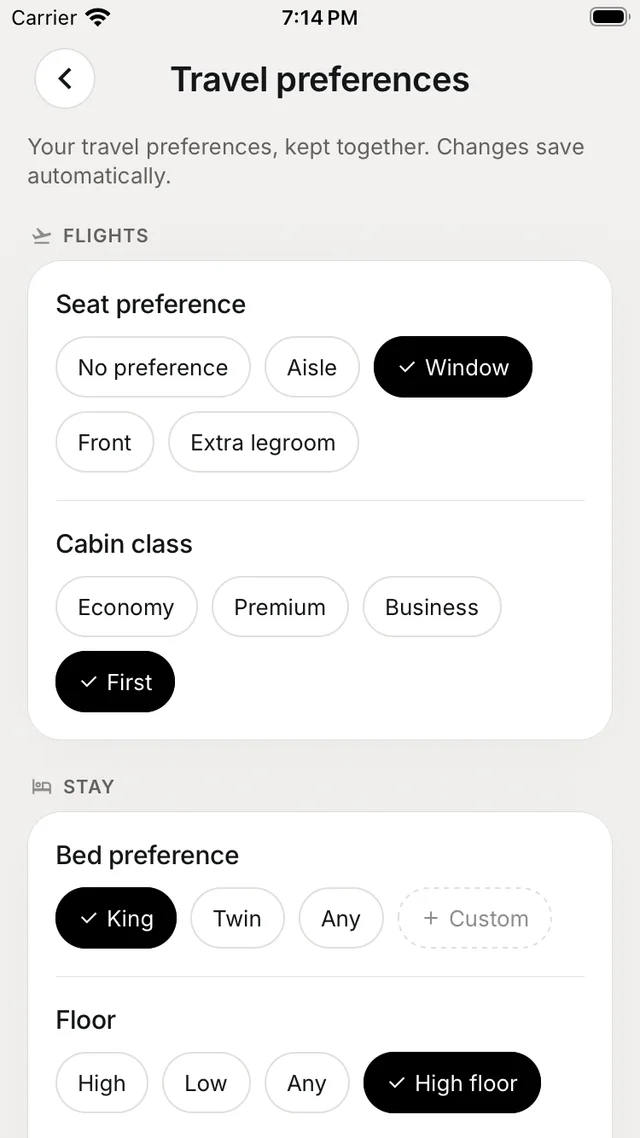
| Travel preferences | Seats, cabin, beds and loyalty — changes save automatically |
| Everyone's travel | Each person's legs and papers, by gig |
| Money back | Claims for delays, cancellations and price drops — nothing is sent until you say so |
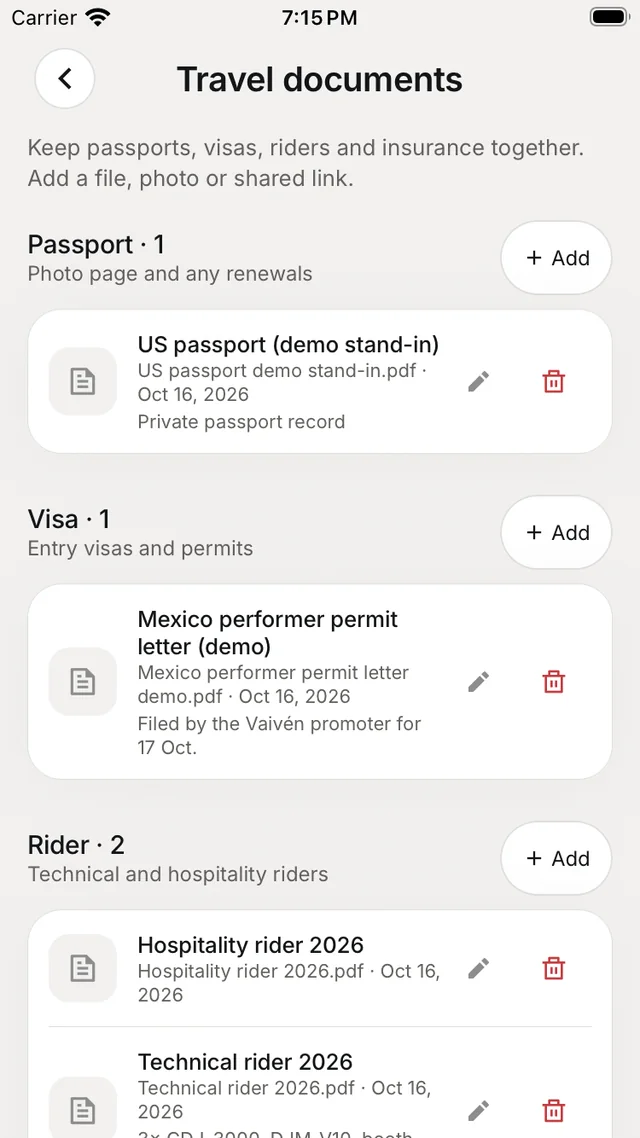
Everyone's travel is visible to owners, admins, managers and people with edit rights on shared logistics.
Find flights and stays
From Nuri's + menu, choose Find flights or Find a place to stay. Options include round trip, nonstop only and price alerts. Searching never books or charges anything — results appear in your Nuri conversation.