iPhone app
Log expenses with receipts, split costs, settle up, and set budgets and per diems — in every currency, never converted.
Track what a gig costs as it happens. Open the gig's Expenses card, or the expenses card on Home.
Add an expense
Enter the amount
Tap Add expense. Enter the amount and currency — or choose Read a receipt instead and let Nurvia fill it in.
Describe it
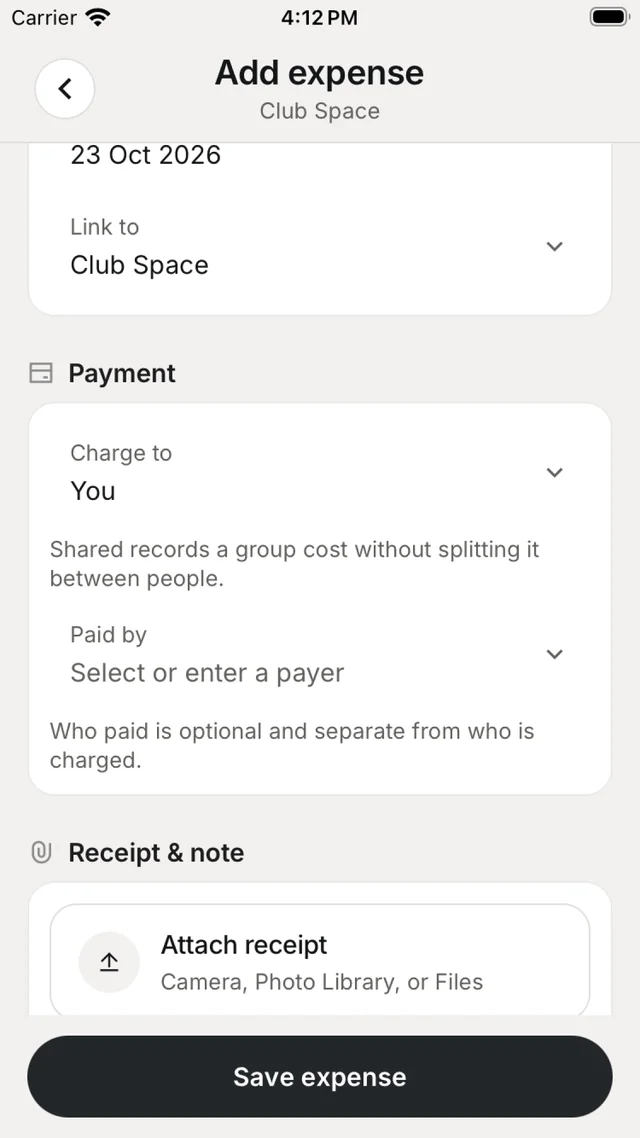
Add a title, category and date, and Link to a gig, venue, flight or stay.
Say who paid
Charge to is whose cost it is; Paid by is who paid, and is optional. Shared records a group cost without splitting it between people.
Attach the receipt and save
Attach receipt from the camera, Photo Library or Files, then Save expense.
Reading your expenses
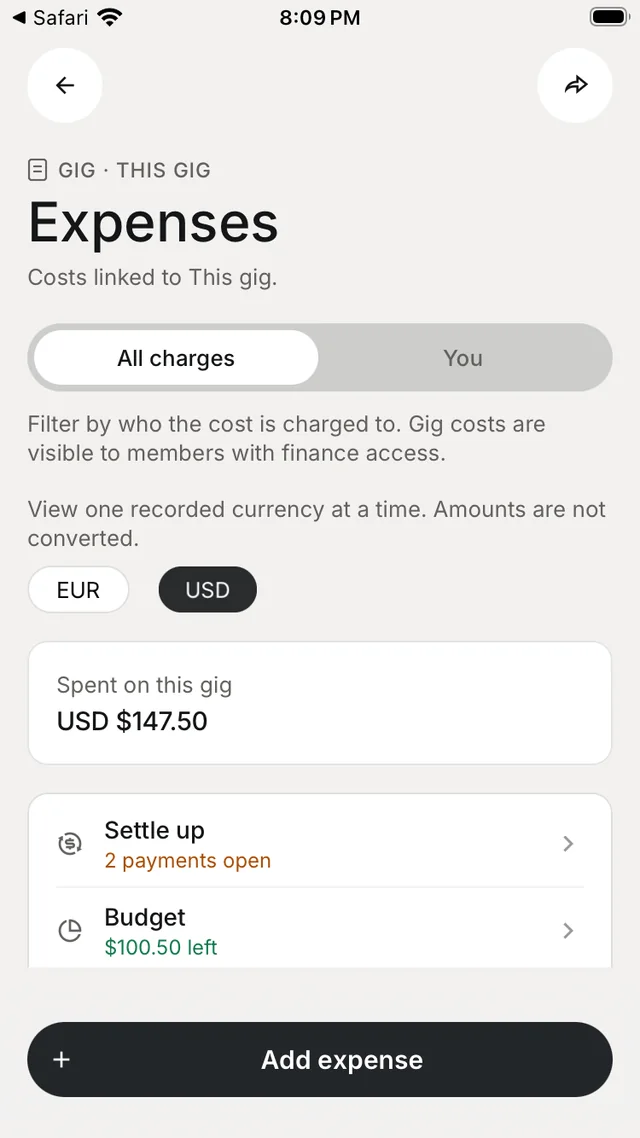
Switch between All charges and You (what's charged to you). Totals are shown one currency at a time — tap a currency chip to switch. Below the list, By category and By person break the spending down. Tap the share button to export expenses as a PDF or CSV.
Money tools
| Tool | What it does |
|---|---|
| Split this cost | Split an expense evenly, or include someone outside the workspace. |
| Settle up | Who owes whom on the gig, in each currency. Mark settled records a payment made outside Nurvia, with Undo. |
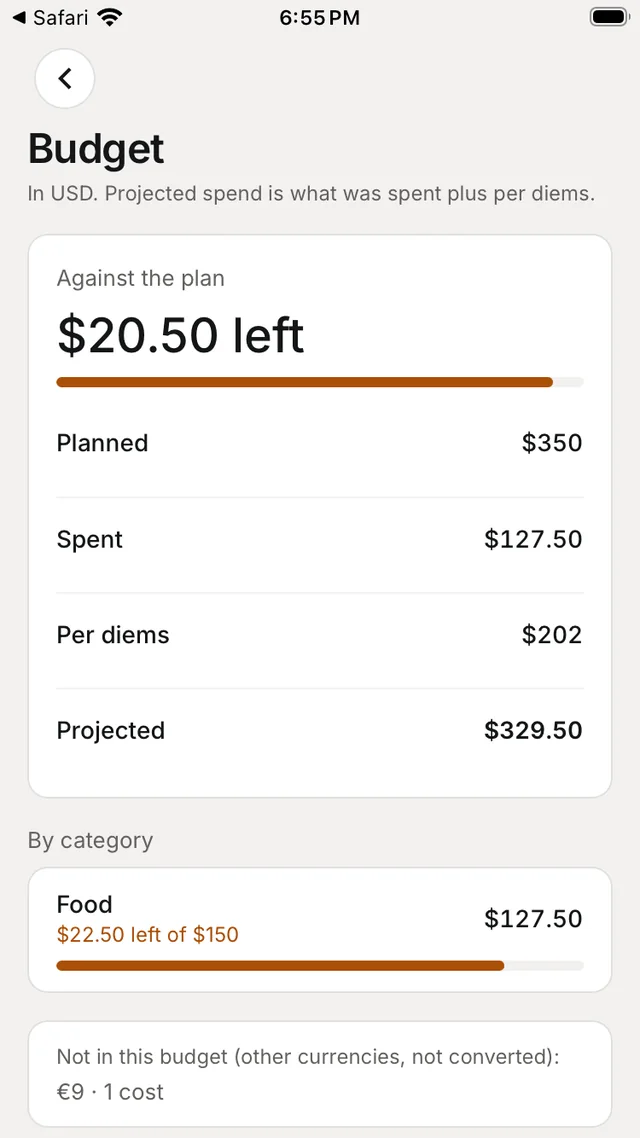
| Budget | One total or a plan per category. Projected spend is what's been spent plus per diems. |
| Per diems | A daily allowance per person, for the days you choose. |
| Reimbursements | Ask to be paid back for your own costs; approvers decide under To decide. |
| Settlement | The show settlement and its net after costs. |
Nothing converts, nothing moves
Amounts stay in the currency they were spent in, and Nurvia never moves money — marking something paid or settled records a payment made outside Nurvia.