iPhone app
Review email imports, calendar syncs and forwarded messages, answer questions, and approve or decline what waits for you.
Triage is where Nurvia asks you about the things it can't decide alone — a booking it found in your email, a calendar event that might be a gig, a forwarded message. Approvals hold changes that wait for your yes.
Open Triage
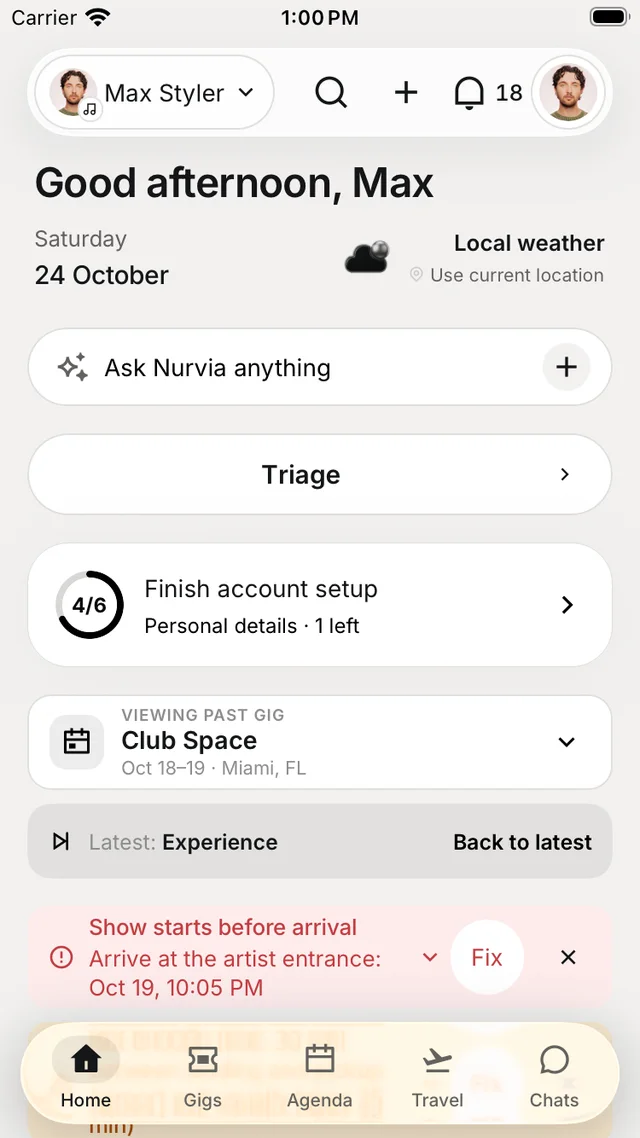
Tap Triage near the top of Home. When something is waiting it shows a count — Triage · 3 — and that count is the same everywhere in the app.
Triage follows the workspace you have open. If another workspace has items waiting, Triage tells you so you can switch.
What's in Triage
| Section | What it holds |
|---|---|
| Email imports | Bookings and plans found in your connected mail, with a count of what's waiting. |
| Needs you | One row per place things are waiting — questions per gig or plan, Approvals, Reimbursements to decide and Needs a look. |
| Forwarded mail waiting for you | Questions about messages you forwarded to Nurvia. |
| New from your forwarded email | Plans Nurvia proposes from forwarded mail, for you to accept or decline. |
| Questions | Calendar events Nurvia isn't sure about — for example, which workspace an event belongs to. |
Tap a question to see the situation, the source and why you're being asked, then pick an answer. Your answers are saved as you go, and Undo is there if you change your mind.
Approvals
ProfileApprovals shows What waits for your yes, grouped by gig. Each request — Move load-in to 13:30?, Send the run of show to the venue? — has Approve and Keep as is. Nothing happens until you approve it.
How often Nuri asks is up to you — see approval modes.
Reimbursements
People with finance access see To decide in ExpensesReimbursements, with each request's costs, and can Approve or Decline. Approving and marking paid record what happened — Nurvia never moves money.