Teams & settings
Control who sees your profile, download your data, make privacy requests, restore from trash, and delete your account.
Who can see you, what you can take with you, and how to delete things for good. Each change saves at once.
Where to find it
| Platform | Path |
|---|---|
| Web | SettingsPrivacy and data. |
| iPhone | SettingsPrivacy & visibility for visibility, export and deleting your account. SettingsDownload your data for your data copy. |
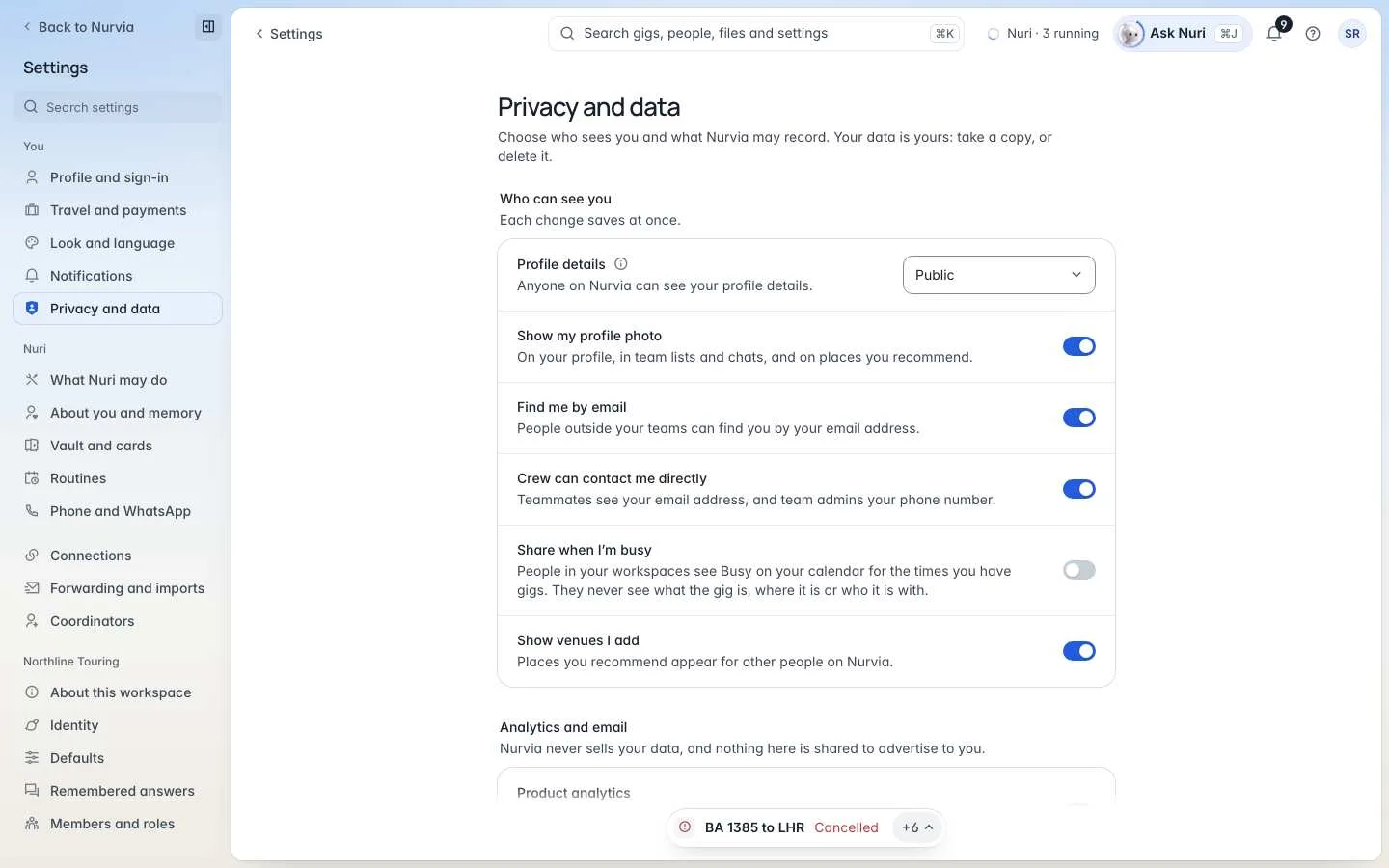
Who can see you
Analytics and email
Nurvia never sells your data, and nothing here is shared to advertise to you.
Your data
People without a Nurvia account can ask about their data on the public Ask about your data page, or by emailing privacy@nurvia.app.
Delete your account
Download your data first
Choose Download your data if you want a copy. Deleting can't be undone.
Review what will be deleted
Choose Delete your account. Nurvia lists exactly what goes — your profile and sign-in, your Personal workspace, connected accounts and what was imported from them — and which teams are handed over.
Confirm
Enter your Current password, a Code from your authenticator app if two-step sign-in is on, and type the word shown to confirm.
This can't be undone
Teams you own pass to their longest-standing member; a team with nobody else in it is deleted with your account. Backup copies are deleted on a schedule afterwards. See Data retention.