Email & calendar
The accounts and apps Nurvia works with today, and how each one connects.
Nurvia brings bookings in from the places they already arrive, and puts your plans where your team looks. Every connection asks for its own permission, and reading an account is always separate from sending or changing anything.
Email and calendars
 GmailGmail and Google Workspace mail
 OutlookPersonal and work Outlook mail and calendar
 Google CalendarRead into Agenda; two-way if you turn it on
 Apple CalendarPhone calendars and the Nurvia calendar on iPhone
Any calendar with an iCal or webcal link can be subscribed to as well. See Connect email and calendars and Calendars.
Messaging
 WhatsAppMessage or forward bookings to Nuri from your number
You can also forward any booking email to import@nurvia.cc, or text Nuri — see Forwarding.
Other apps
 Slack
 Google Drive
 Notion
 Dropbox
 Zoom
 Microsoft Teams
Connect chat, file and sheet apps in SettingsConnectionsOther apps. Each one asks for its own permission, starts with read access only, and shows what it feeds and when it last synced.
All connections
All connections is the full catalogue — airlines, hotels, booking sites and tools — with how each one works today. Filter by Works now or Other ways in, or search by name or what it does.
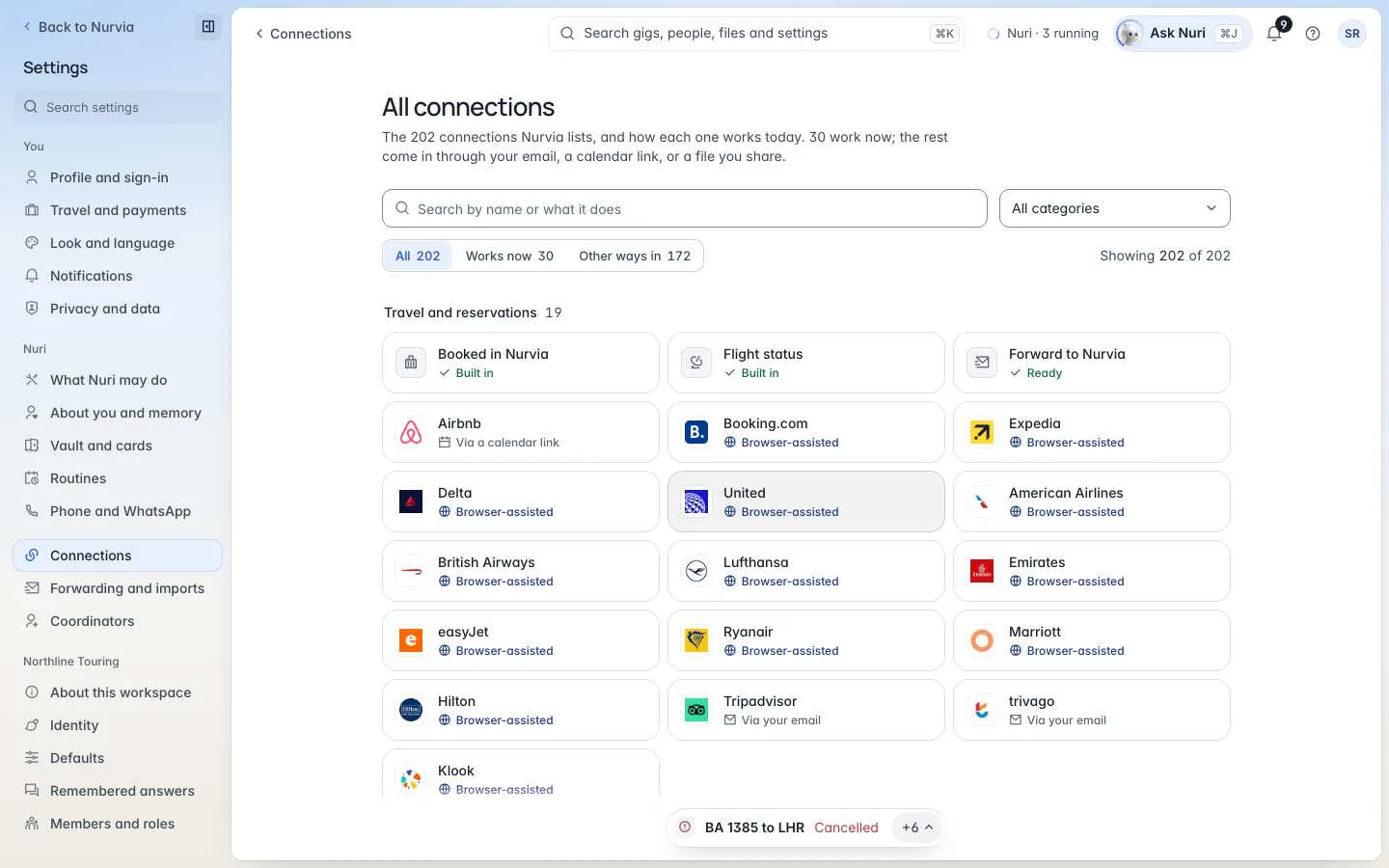
| Label | What it means |
|---|---|
| Built in | Part of Nurvia — nothing to connect. |
| Ready | Connect it and it works now. |
| Browser-assisted | Nuri can work on the site for you in a browser run, with your approval. |
| Via your email / Via a calendar link | Bookings come in through your mailbox or a calendar link. |
Webhooks and API
Organizations can send events to Zapier, Make, n8n or their own endpoint, and create read-only API keys. See Organization.