Use cases
Every guest request, called in and confirmed — itineraries, reservations and vendors for each client, kept apart.
For travel advisors, concierge and lifestyle teams, family offices and agencies looking after several clients. A guest asks for a change by message; Nuri calls the hotel, books the table and updates the itinerary when the vendor answers.
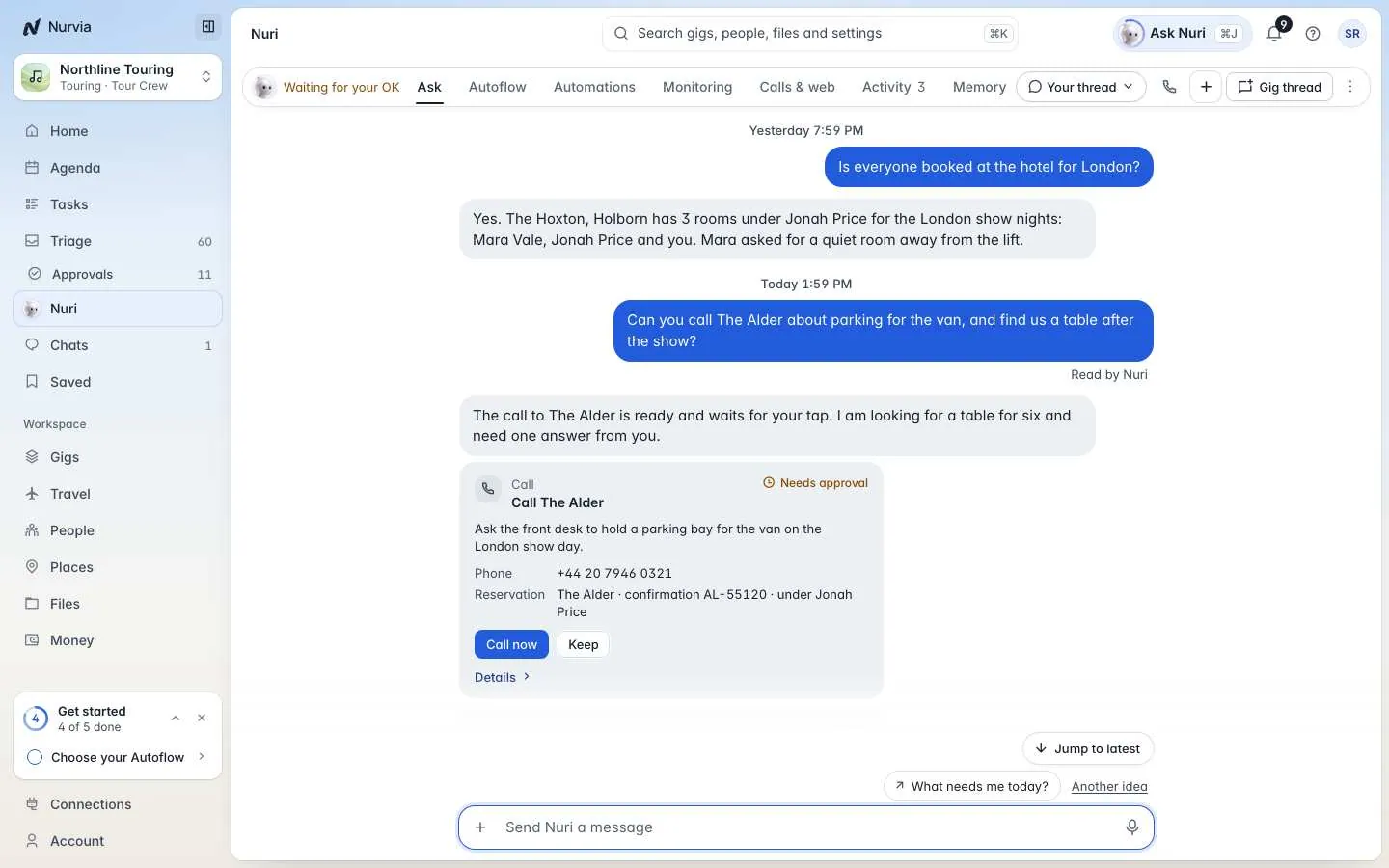
Example: the Harpers in Kyoto
The Harper family is in Kyoto for a week. On Saturday they'd like a late checkout, and on Thursday a kimono fitting.
Their advisor asks Nuri. Nuri calls the hotel and comes back with a quote: a late checkout is ¥8,000, above the family's limit for extras, so it waits for approval. The fitting shows as requested until the shop confirms it. Everything else this week is already confirmed.
Try asking
You: What's still open for the Harpers this week?
Nuri: Two things: the hotel quoted ¥8,000 for Saturday's late checkout, which needs your approval, and Thursday's kimono fitting is requested but not confirmed yet. Everything else this week is confirmed.
What matters most

Requests with a clear state

Vendors by phone, email or online

Your limits, per client

Separate clients, one team
Recommended setup
| Setting | Recommendation |
|---|---|
| Workspaces | One team workspace per client, kind Something else. Run them together from an organization. |
| Word for plans | Trip, or type your own word. |
| Roles | Advisors as Managers in the clients they look after. Clients and travellers as Members or Guests. |
| Rules | Set a spending limit per client workspace in Rules and approvals. |
| Cost | Clients join free; you pay only for the Managers who coordinate. Everything is free during the beta, with fair-use limits on calls and agent actions. |
No. Each client's workspace has its own people, bookings, documents and permissions. Only the advisors you assign work across clients.
Yes. When a vendor has no direct connection, Nuri can use its website to make or change a booking, within the permissions you set. The booking counts as confirmed when the vendor confirms it.