Web app
Direct messages, team rooms and plan chats with channels, polls, shared records and Nuri's outbox.
Chats keeps every conversation about your work in one place: one-to-one messages, the team room, and a chat for each plan. Share a flight or a file into a chat and it stays up to date.
Where to find it
- Web: Chats in the sidebar (press G then C).
- iPhone: the Chats tab. See Chats on iPhone.
Healthcare workspaces call it Messages.
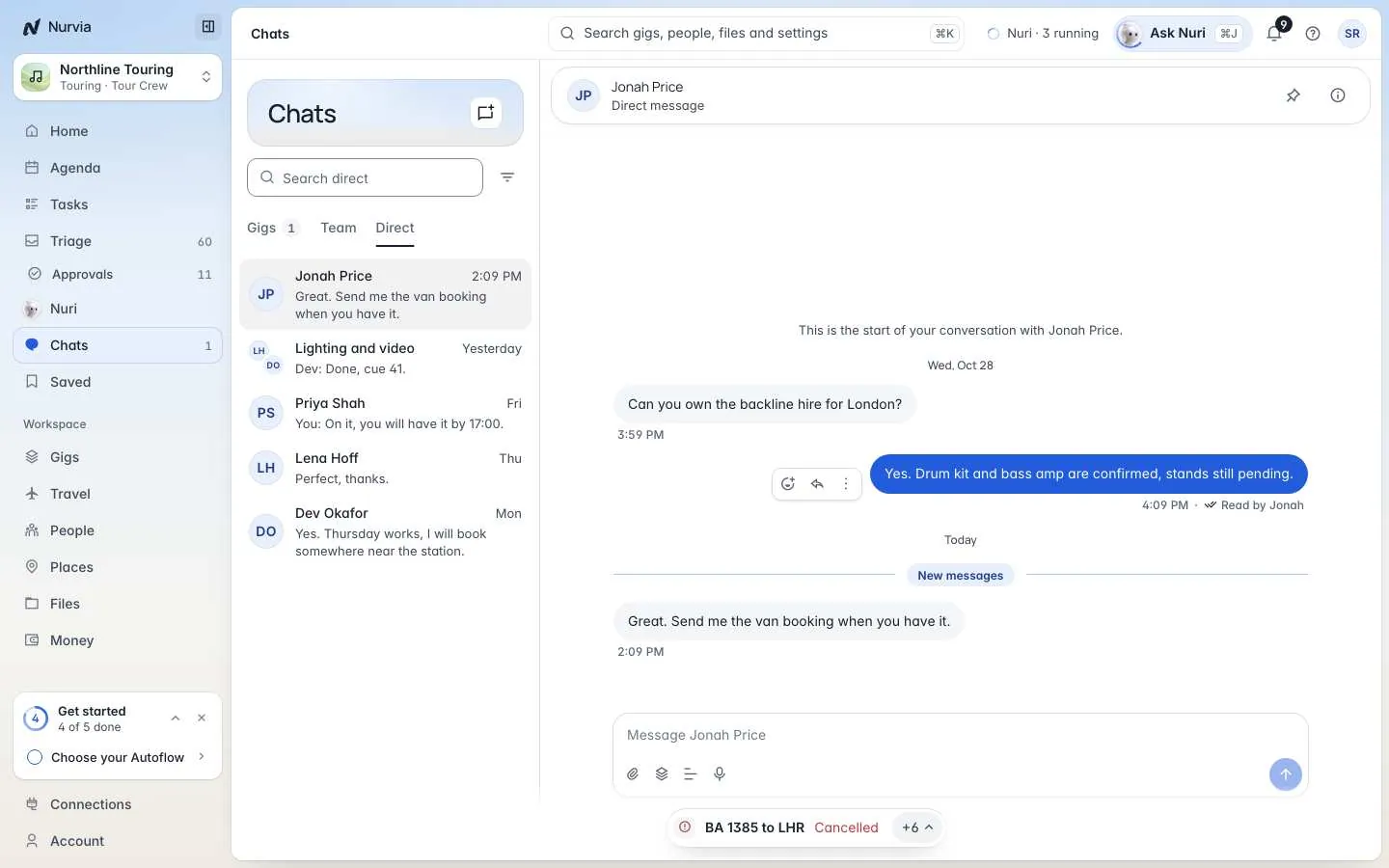
Kinds of chat
The list has three tabs, one for each kind:
| Kind | Who's in it |
|---|---|
| Plans (in music workspaces, Gigs) | Everyone on a plan, with optional channels for topics like travel, production or the guest list. |
| Team | The room for everyone on the team. |
| Direct | One person, or a small group you name. Only the people in it see it. |
Filter by All, Unread (U) or Mentions, Mark all read, or Ask Nuri to catch me up.
Start a conversation
Choose New chat
Choose New chat (or press N).
Pick the kind
Under What kind of chat?, pick Direct for one person or a small group you name, Plans (or Gigs) to talk with everyone on one plan, or Team for the room for everyone on the team.
Send your first message
Type and press Enter. Messages you write offline wait and send when you're back.
In a conversation
- React, Reply, Copy text, Pin to the conversation, or Delete for everyone.
- Send voice messages, attachments and polls.
- Share a record — a flight, stay, task, venue or file that stays up to date in the chat.
- Add to plan turns a message into plan content.
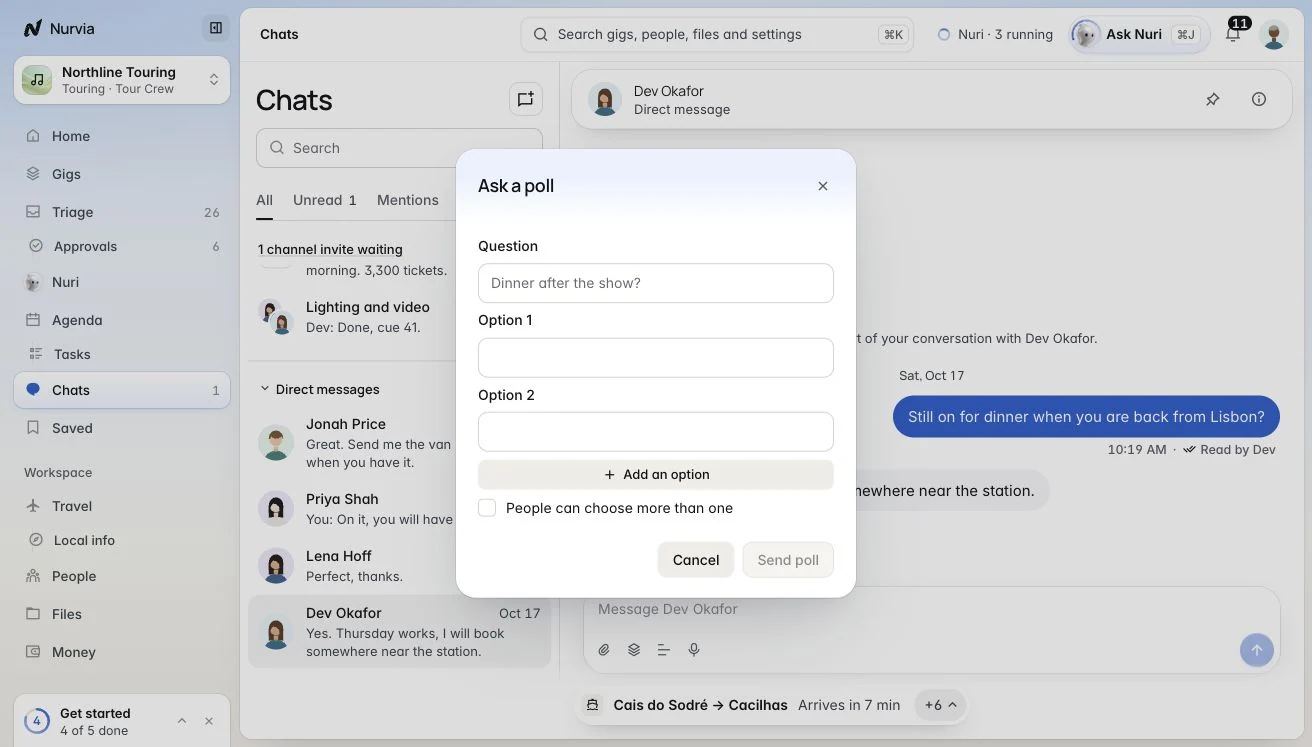
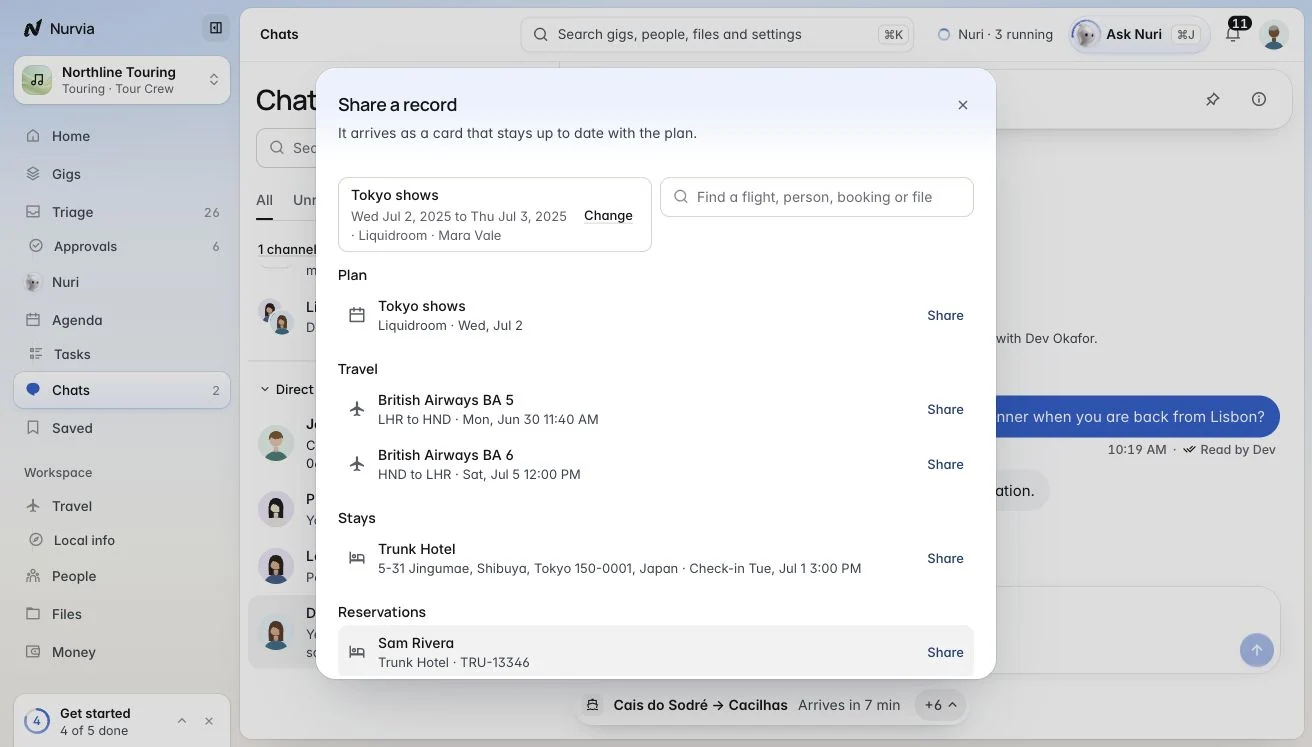
Press J and K to move between conversations, / to search and I to show the conversation's details.
Chat settings
Open the info panel (I):
- Notify me about Every message, Only when I am mentioned or Nothing (muted) — or Mute for a while: for 1 hour, 8 hours or until tomorrow morning.
- Chat admins choose Who can post and Nuri in this chat: off, Answers when asked, or Suggests to Triage.
- Tabs for photos, links, files, pinned messages and, on plan chats, the Outbox.
Nuri's outbox
Drafts Nuri prepared for people show as Draft · not sent. Change how it goes, Follow up if no reply, then send it or Keep unsent. Nothing goes out until you send it.